Scan documents to PDF
Point your camera at a page. The scanner finds the edges, straightens the page and saves a clean PDF. Text recognition (OCR) then makes the scan searchable.
 pdf2kit
Open the PDF workspace
pdf2kit / Android app
Android app
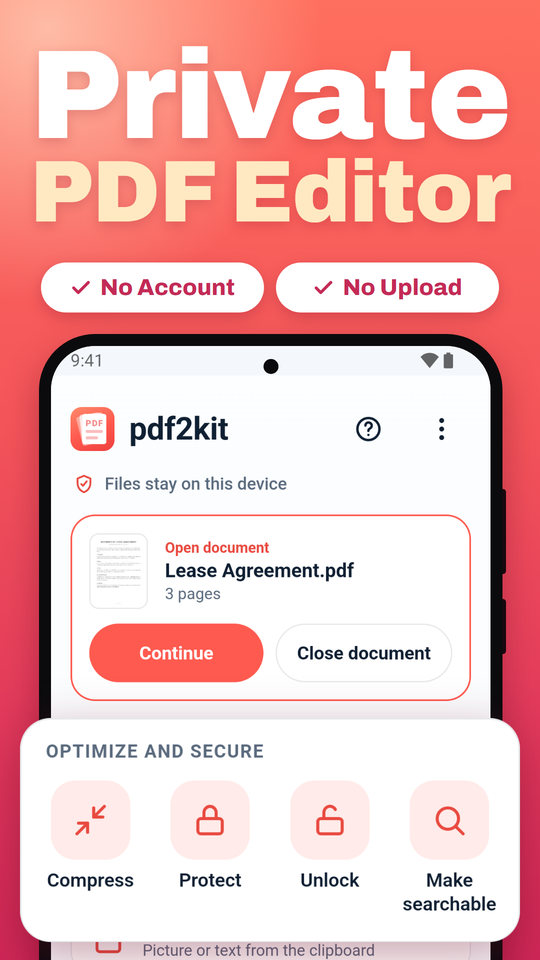
pdf2kit is a PDF editor, PDF reader and document scanner in one app for Android phones and tablets. Sign a contract, fill in a form, scan a receipt or merge files, right on your phone. Your documents stay on your device, and nothing is uploaded.

Screenshots
What it does
One app for the PDF jobs that come up every day, from a lease to sign to a stack of receipts to scan.
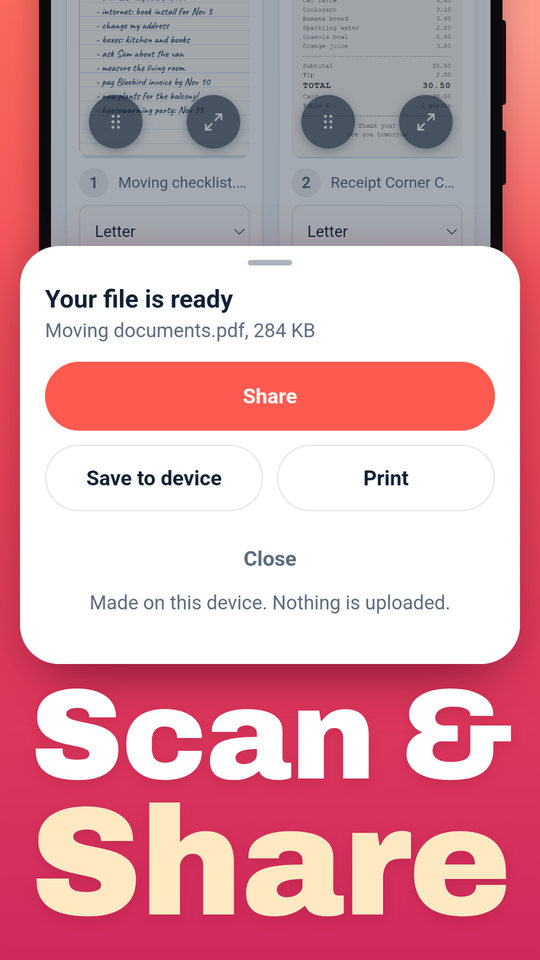
Point your camera at a page. The scanner finds the edges, straightens the page and saves a clean PDF. Text recognition (OCR) then makes the scan searchable.
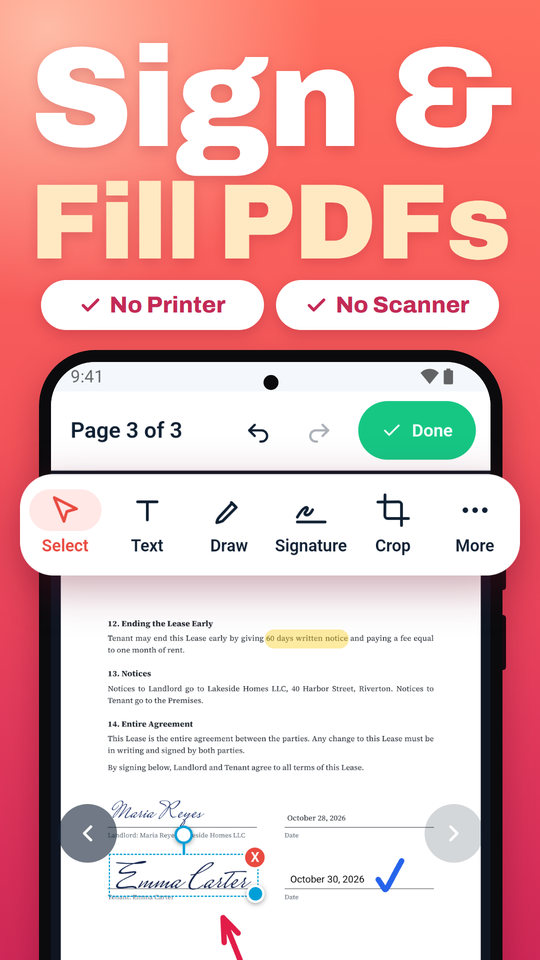
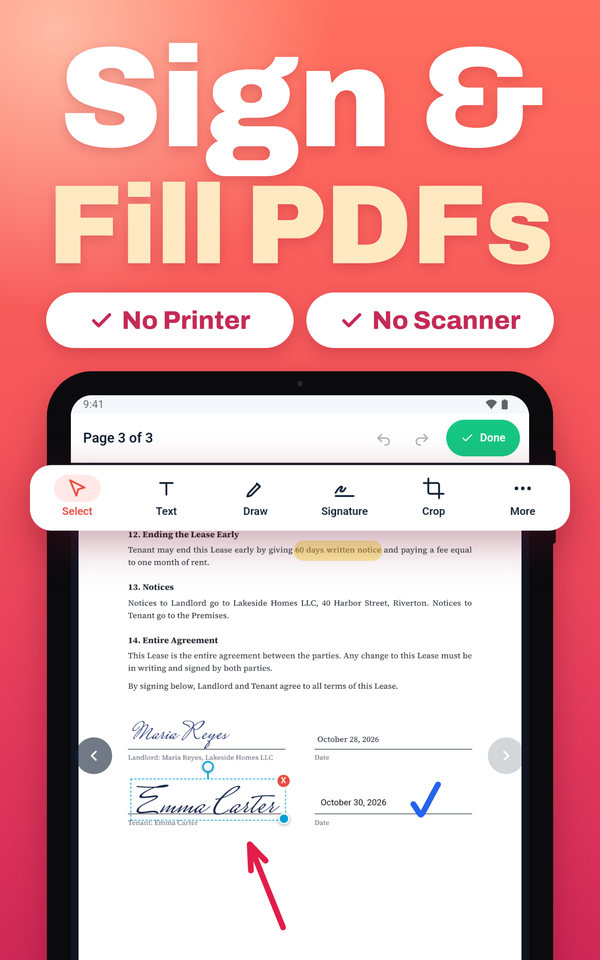
Sign with your finger, type your name in a handwriting style, or add a photo of your signature. Fill in forms and add the date, initials and check marks.
Add text, pictures or your logo to any page. Highlight, draw, add arrows and boxes, and crop pages. Undo or redo every step.
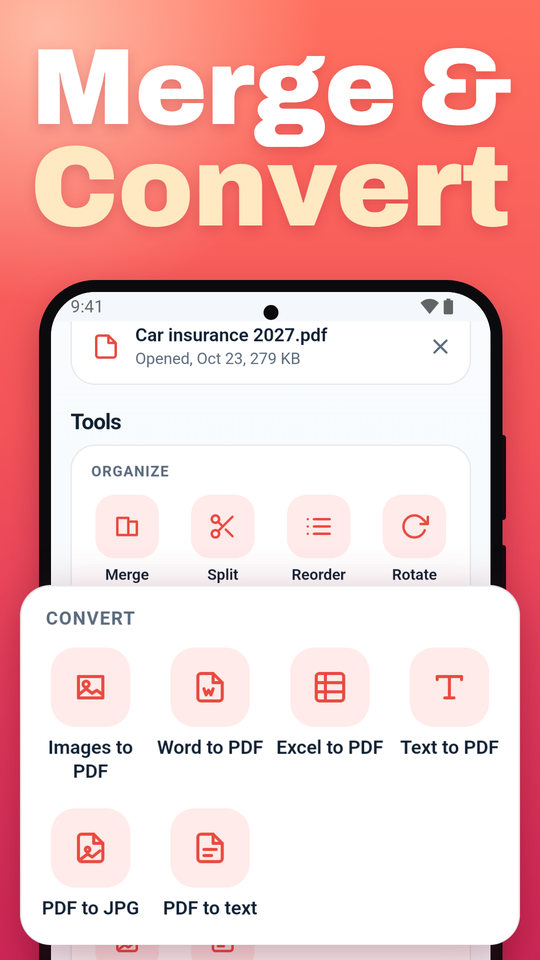
Combine PDFs and photos into one file, split a PDF, keep only the pages you need, and drag pages into a new order.
Turn photos, screenshots, Word, Excel and text files into a PDF. Save PDF pages as JPG or PNG, or copy the text out.
Shrink a PDF so it fits in an email, lock it with a password, or add page numbers and a watermark.
Step by step
From the PDF in your inbox to a signed file you can send back, in four steps.
Get pdf2kit from Google Play. It is free and needs no account.
Tap Open file, or open a PDF from your email, chats or downloads and choose pdf2kit.
Open a page, then add text, sign, highlight or fill in the form.
When you are done, share the PDF, save it on your phone or print it.
Works with your apps
pdf2kit fits into Android like a built-in app, so you do not have to download and search for files first.
Open a PDF from email, chats or downloads, and choose pdf2kit to read or edit it.
Share a screenshot, photo or file from any app. It lands in pdf2kit as a new page.
Choose pdf2kit as the printer in any app to turn a web page, ticket or email into a PDF.
Start a scan in one tap from the Quick Settings tile or the home screen widget.
Free
Many free PDF apps show ads, put a watermark on your file, or lock the useful tools behind a subscription. pdf2kit does none of that. Every feature is free, there is no account to create, and your PDFs come out clean.
Privacy
pdf2kit edits, signs and converts PDFs on your device, even offline. Your documents, scans and signatures are never uploaded to us, and you need no account. That makes it a safe place for contracts, bank statements, medical letters and other private papers. Read the privacy policy.
Phones and tablets
On a tablet you get more room to read, sign and fill in forms, in portrait or landscape. pdf2kit runs on Android 10 and newer.
App or browser
No. The same PDF tools work in any browser at pdf2kit.com, with nothing to install. The app adds what a browser cannot do well on a phone: The document scanner, opening PDFs straight from other apps, printing to PDF, and a widget on your home screen. Comparing PDF tools? See how pdf2kit compares.
FAQ
Yes. Every feature is free, with no subscription, no ads and no watermark on your PDFs. You do not need an account.
No. pdf2kit adds new text, pictures, highlights, shapes and signatures on top of the page, and fills in form fields. It cannot rewrite the words that are already in the PDF.
Open the PDF in pdf2kit and tap a form field to type in it. If the form has no fields, add text, check marks and the date anywhere on the page, then sign it with your finger.
Yes. Editing, signing, converting and compressing work without internet. The document scanner is part of Google Play services and may need internet once, to download.
No. pdf2kit works on your phone. Your documents, scans and signatures are never uploaded to us.
Yes. Start a scan in the app, from the Quick Settings tile or from the home screen widget, and point the camera at a page. Scan several pages into one PDF, then make it searchable with text recognition (OCR).
Yes. pdf2kit runs on Android phones and tablets with Android 10 or newer. On a tablet you can use it in portrait or landscape.
Not yet. On iPhone and iPad, use pdf2kit in Safari at pdf2kit.com. The PDF tools are the same, and your files stay on your device.
The PDF tools are the same. The app adds the document scanner, opens PDFs from other apps, prints to PDF, and has a home screen widget and a Quick Settings tile.